05 Logo received
Notifications and conversations
The request arrives in the bot.
The link opens the right conversation.
01
Alexander sent the logo
 logo.png
“Here's the logo.
Just don't crop the ears.”
Mockup requests
Telegram bot → designerLogo received
Alexander
AI summary
37 T-shirts for sales assistants.
“Staff” printed on them.
Logo sent — waiting for a mockup.
Enter the designated funnel stage —
the designer gets the request.
02
Enlarge
Straight to Alexander's conversation
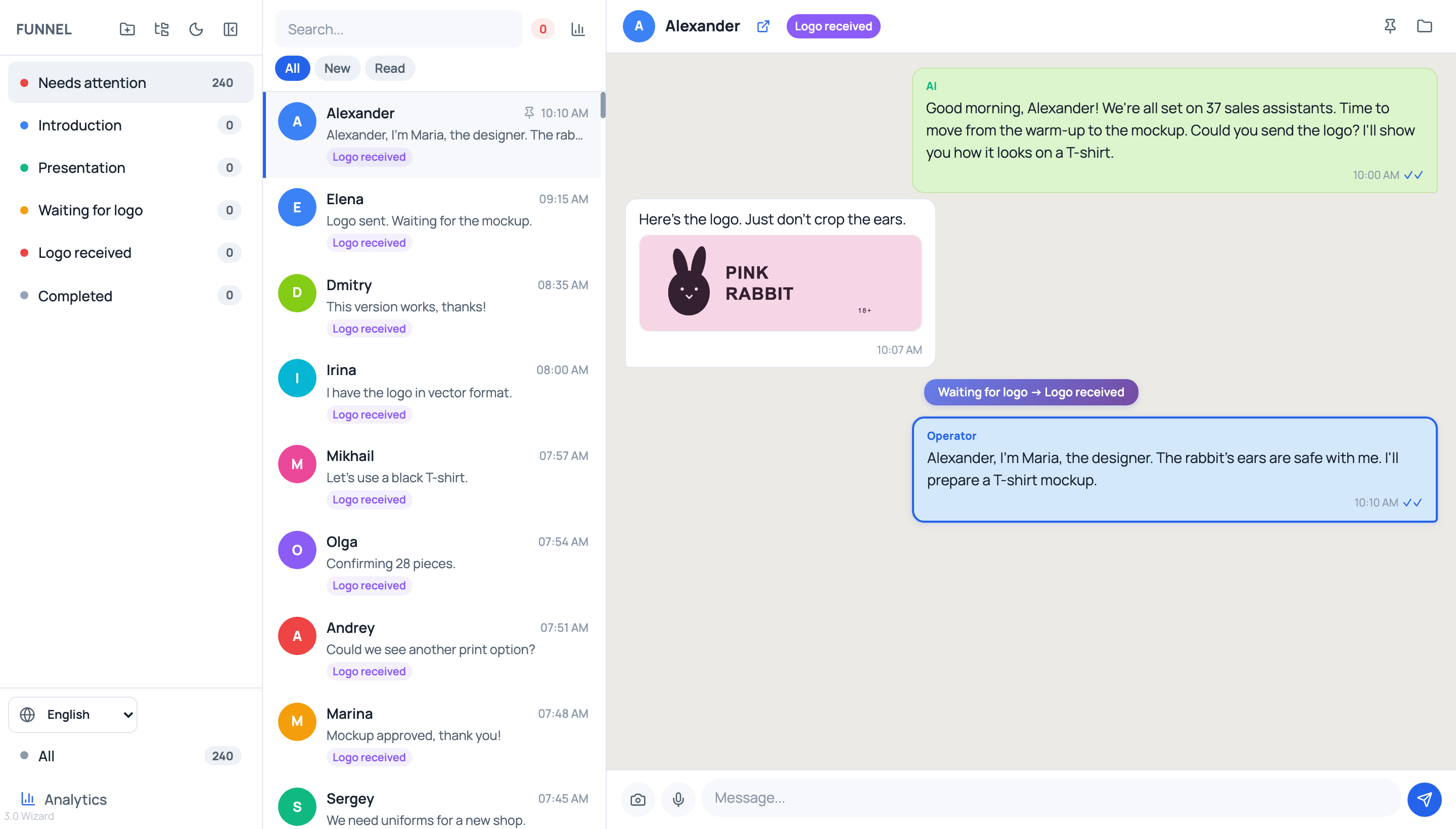
The history and logo are right there.
Once the designer replies, the conversation moves to “Needs attention”.
The conversation from our story.